
What is a document revision?
Overview
A document revision is a saved record of a document’s content at a specific point in time. Every time a document is updated, a new revision is automatically created. Revisions allow you to track changes, revert to previous versions, and understand which AI analysis results correspond to each revision.
Viewing Revision History
To view a document’s revisions:
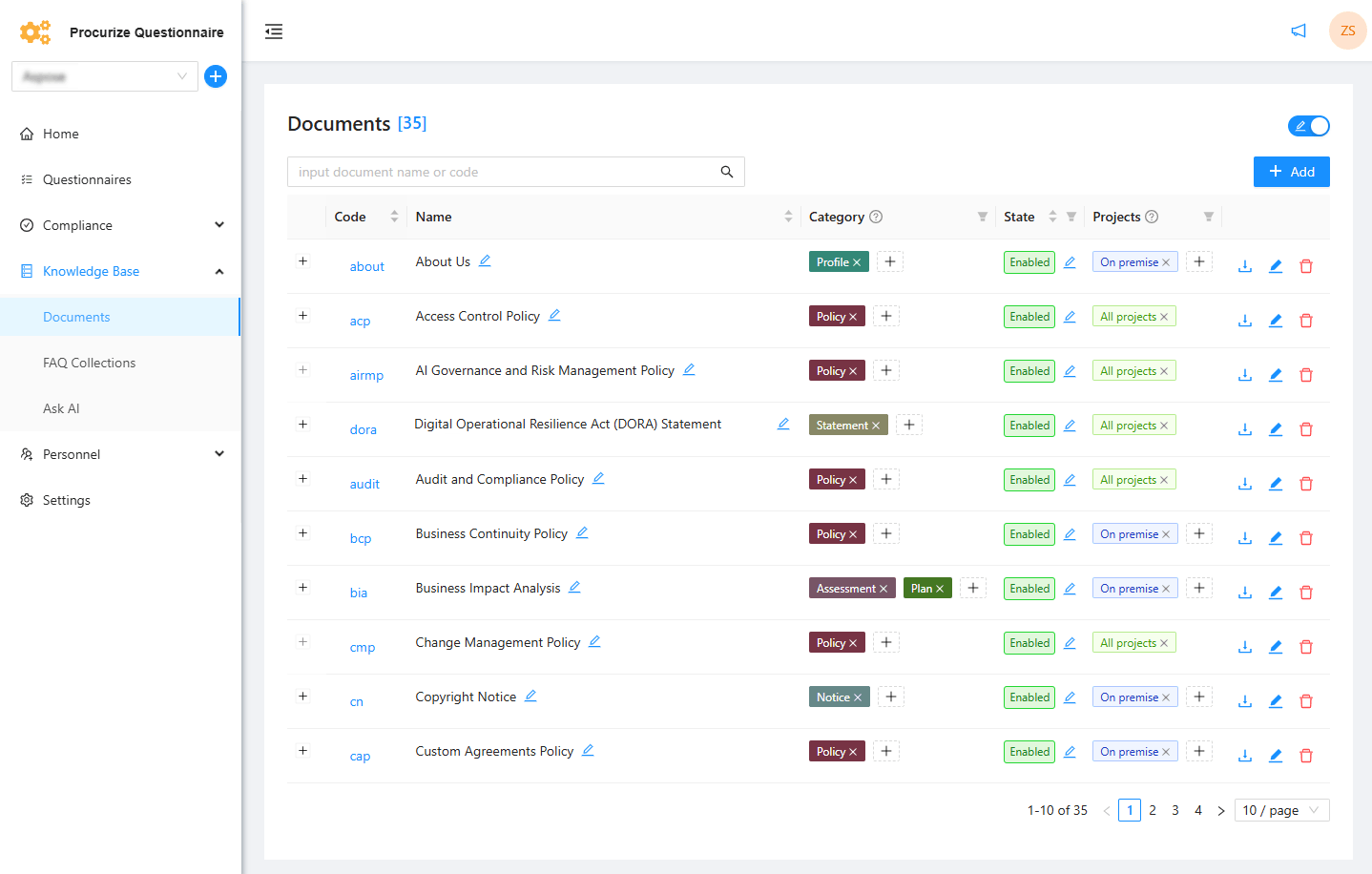
Open the document from the Documents page or a category page.
Navigate to the Revisions tab.
The revision list displays all saved revisions, including:
- Revision number
- Date and time of change
- Author of the revision
Revisions and AI Analysis
- AI-powered document analysis results are linked to a specific revision.
- Viewing a revision allows you to see the analysis results for that exact version.
- If a document is updated, a new revision is created and new analysis results should be generated to reflect the updated content.
Key Points
- Each content change creates a new revision automatically.
- Revision history enables change tracking and rollback.
- AI analysis is revision-specific, ensuring accurate historical insights.
Related articles
to top