
Using knowledge base to complete questionnaires
Overview
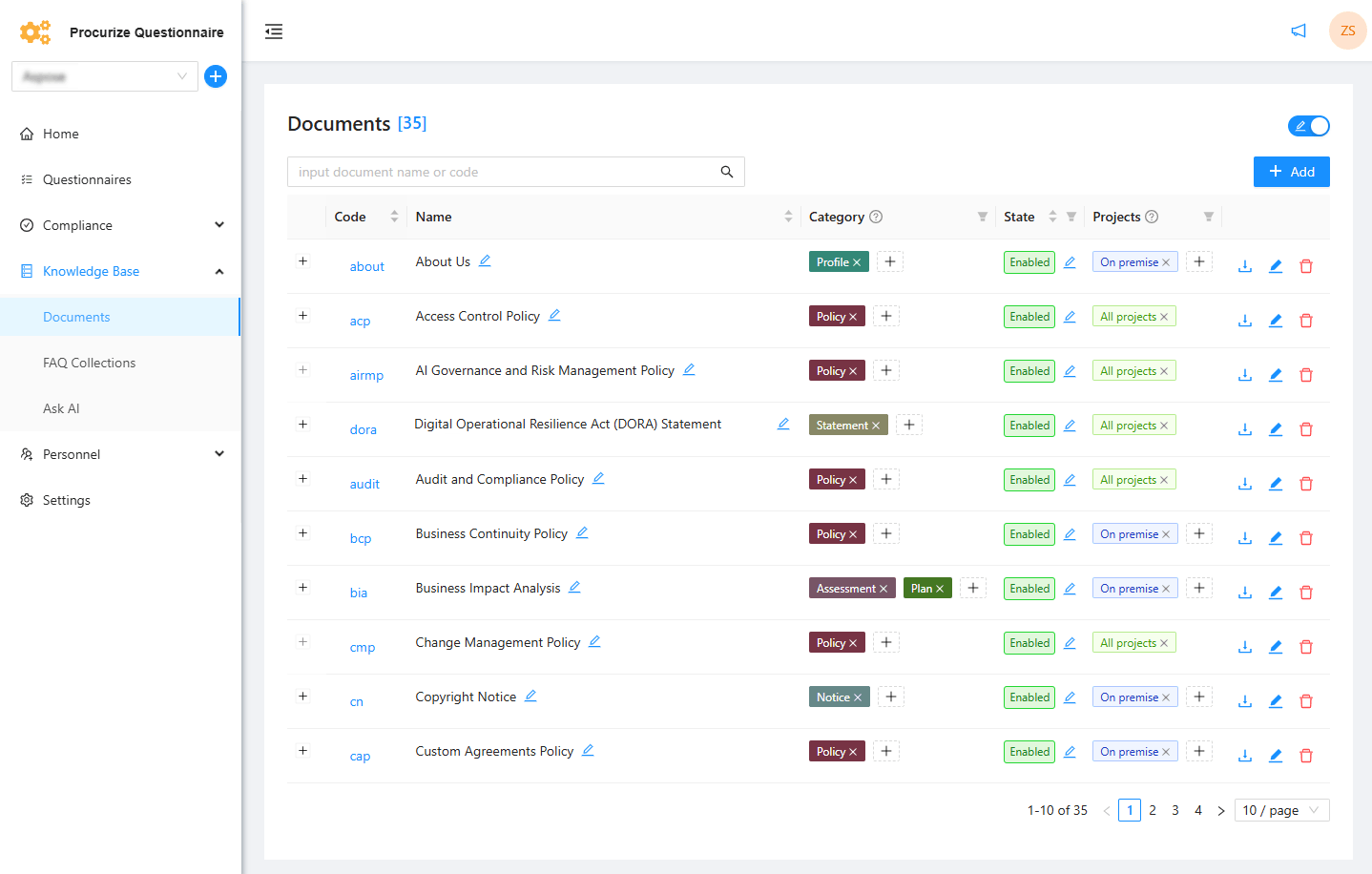
The knowledge base can be used by AI to automatically fill out questionnaires using documents and FAQ collections. To be eligible for AI-powered autofill, knowledge base items must be publicly available.
Making Knowledge Base Content Available
For documents and FAQ collections to be used during questionnaire autofill:
- Their status must be set to Enabled
- Only Enabled items are considered public and accessible to AI
Starting AI Autofill
To complete a questionnaire using the knowledge base:
- Open the questionnaire.
- Switch to Answering mode.
- Click Autofill.
Selecting Knowledge Base Sources
After clicking Autofill, a dialog opens displaying all public knowledge base documents that the AI will use.
- Review the list of available documents
- Exclude any document by unchecking the box next to it
- Only selected documents will be used for answering

Running the Autofill Process
- Click Run autofill.
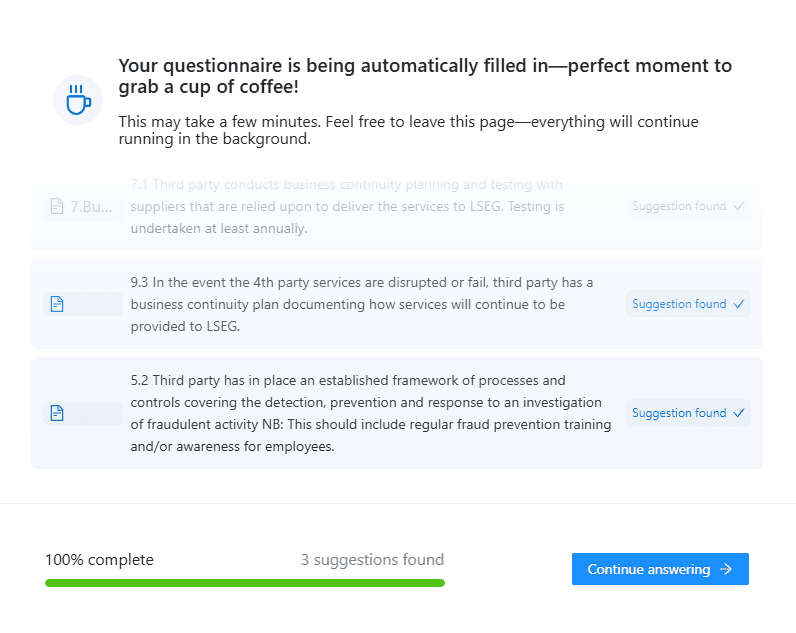
- Wait for the AI to complete the process.
Once finished, the questionnaire will be populated with AI-generated answers based on the selected knowledge base content.
Key Points
- Only Enabled documents and FAQ collections are used
- Knowledge sources can be reviewed and filtered before autofill
- Autofill improves speed and consistency of questionnaire completion
Related articles
to top