
How to use AI Document Analysis
Overview
AI Document Analysis allows you to analyze documents in the knowledge base and identify internal inconsistencies as well as conflicts with other public documents. The analysis helps you improve document accuracy and maintain consistency across your organization’s policies and reference materials.
Starting AI Document Analysis
To analyze a document:
Go to Knowledge Base → Documents.
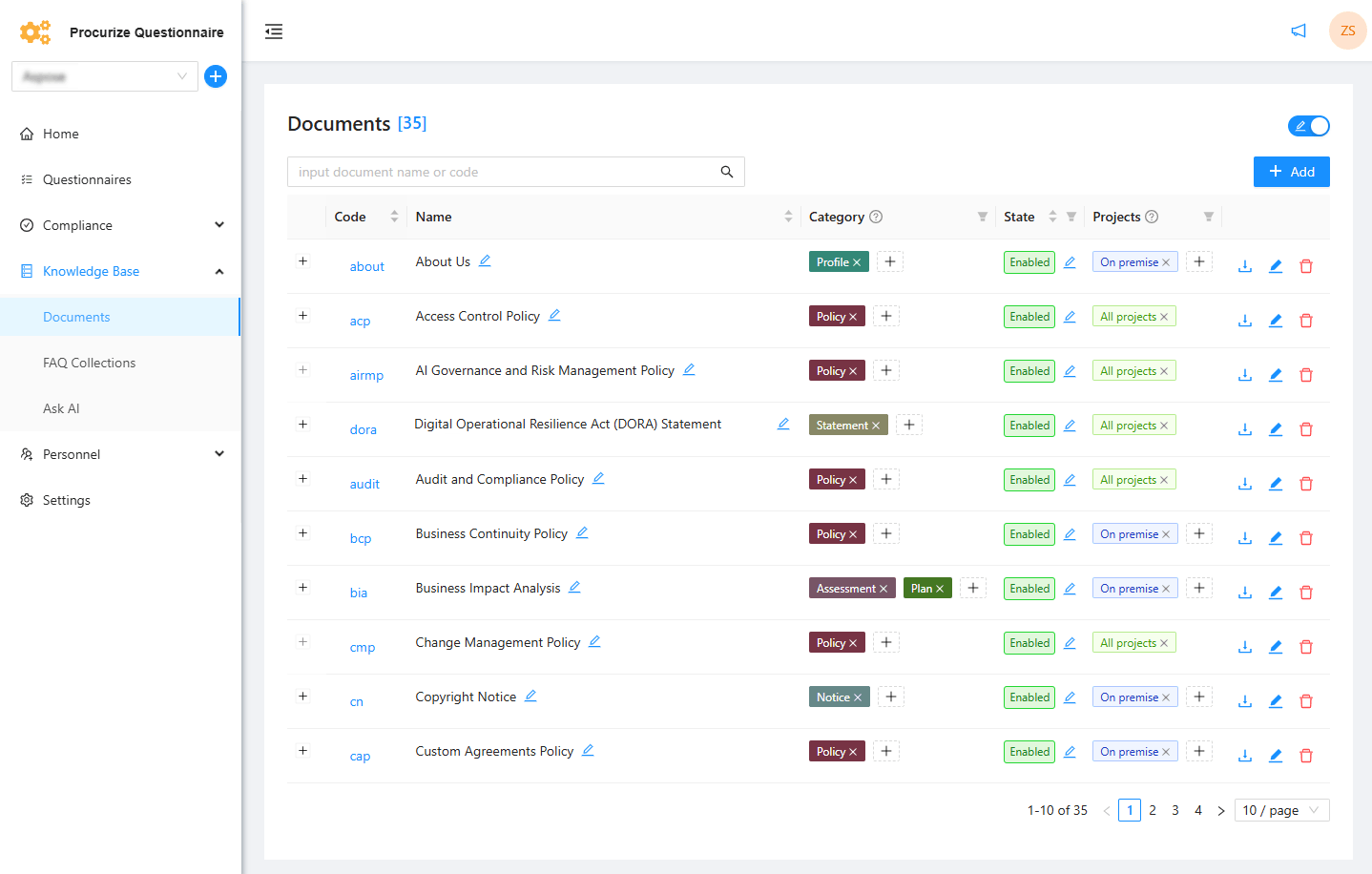
Select the document you want to analyze.
Open the Analysis tab.
Click Start a new analysis with AI.
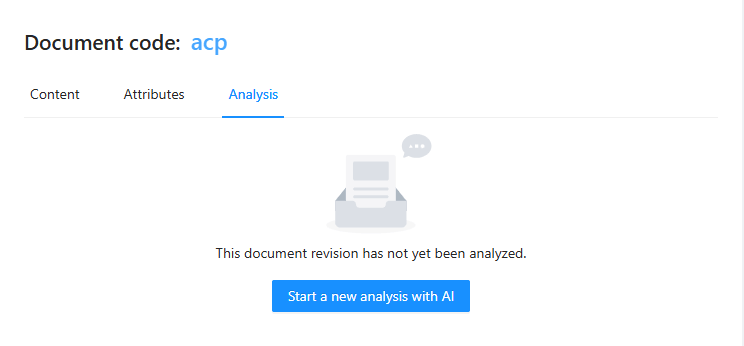
Wait for the analysis to complete.
- The process usually takes a few minutes
Viewing Analysis Results
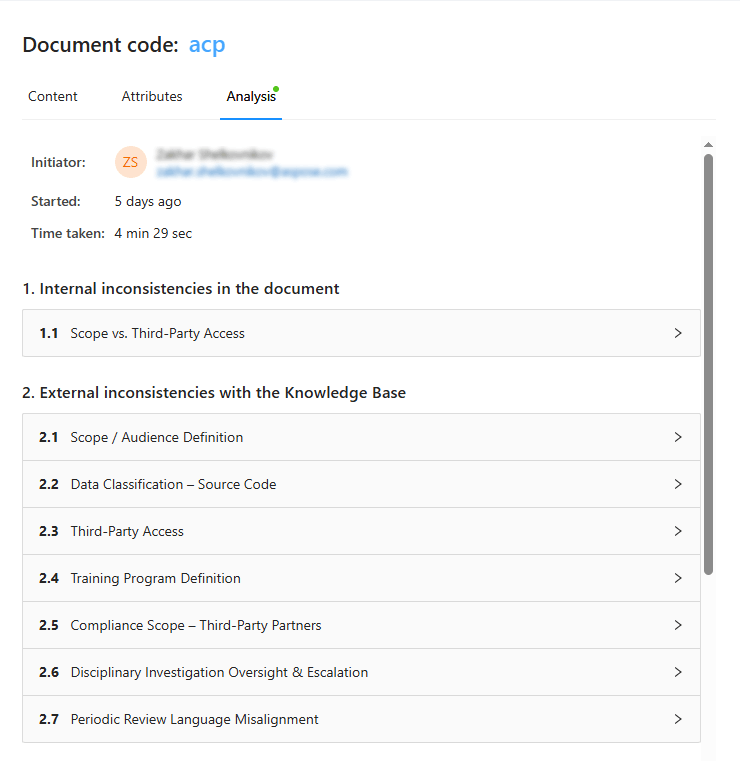
When the analysis completes, the results are displayed in the Analysis tab.
- Internal inconsistencies are shown with explanations
- Conflicts with other public documents are identified
- Each issue includes a description of its likely cause
Using Analysis Results
You can use the analysis findings to:
- Update and improve the analyzed document
- Resolve conflicts by editing other affected documents
- Ensure policy alignment across the knowledge base
Analysis Results and Document Revisions
AI Document Analysis results are linked to the current document revision.
- If the document content changes, the existing analysis results are no longer shown in the Analysis tab
- Previous analysis results remain available in the Revisions tab for the corresponding revision
After updating the document, you can run AI Document Analysis again to verify that inconsistencies have been resolved.